
Heating Guide
A quick guide to adjusting the heating using the hall thermostat.
1
Wake the display
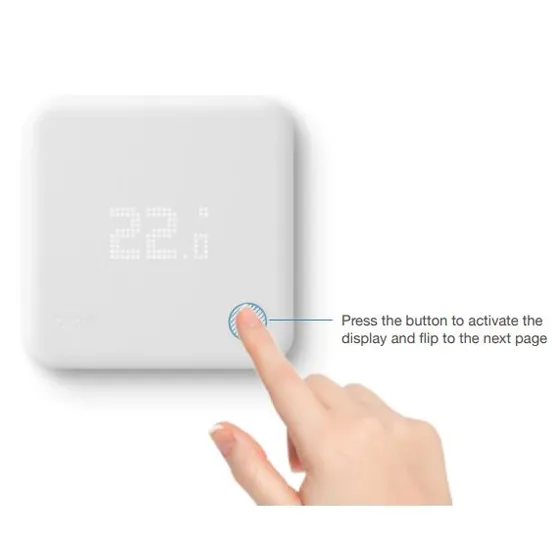
Press the button at the bottom right of the thermostat and wait for the display to light up.
2
Change the temperature
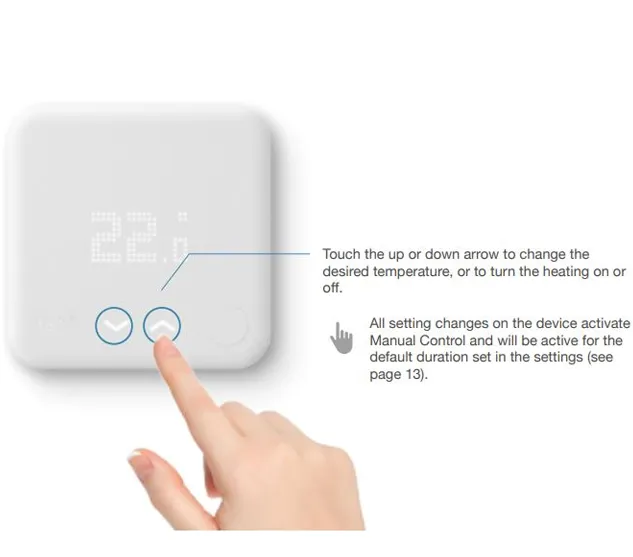
Use the up or down arrows to make it warmer or cooler.
3
Wait a few seconds
The new temperature will save automatically after a few seconds.
The heating runs on a schedule, so it may return to its normal setting later.
Return to the main guest information page